
세콤, 캡스, KT텔레캅 연동으로 손쉽게 출퇴근 하세요!


Work Messenger
Shopl Chat enables real-time communication among team members without needing personal contact details. Files and images can also be shared seamlessly. You can create chat rooms for specific team members and track whether messages have been read.
Internal Help Desk
With the "Chat with Admin" feature, employees can direct inquiries or requests to designated channels and managers by topic.
For example:
Only administrators can enable the chat feature:
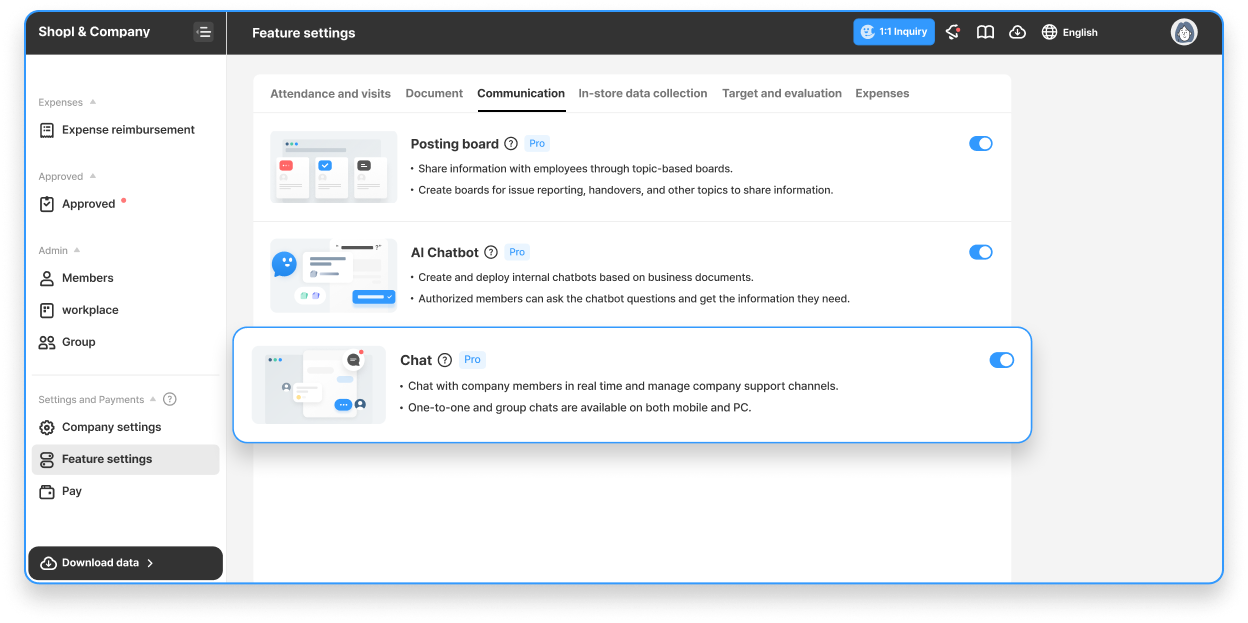
Once the setup is complete, start chatting with your team members!
▶︎ Starting a Chat Conversation





