
세콤, 캡스, KT텔레캅 연동으로 손쉽게 출퇴근 하세요!


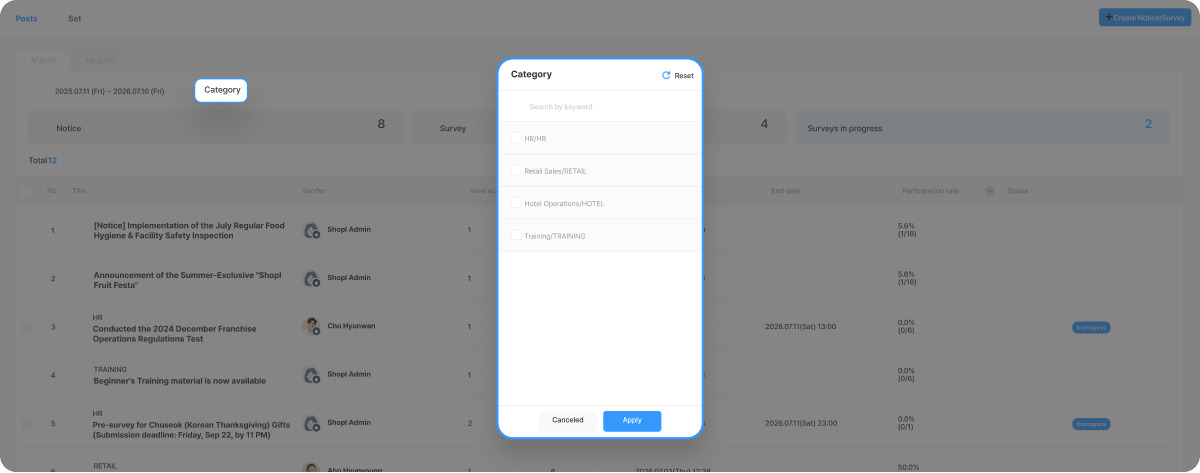
Setting a Category when creating a Notice & Survey is not Required.
However, it can be useful for organizing Posts by Contents or for quickly finding the Posts you need later.
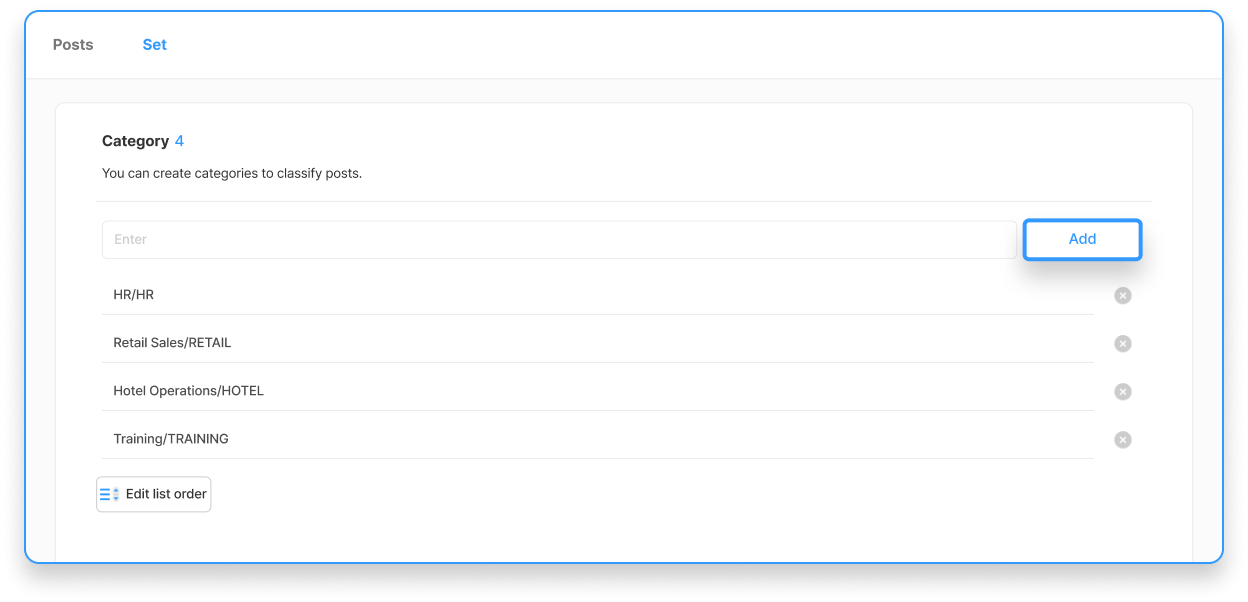
1. Select Dashboard > Notice & Survey > [Settings] tab at the top.
2. Enter the Name of the Category you want to create in the input field, then select the [Add] button.
⚠️ Attention when deleting a Category
You can change the order of Categories using the [Edit list order] button at the bottom. Arrange the order according to importance. (※ After making changes, make sure to press the Save button.)





