샤플 이용료 80% 지원 받기
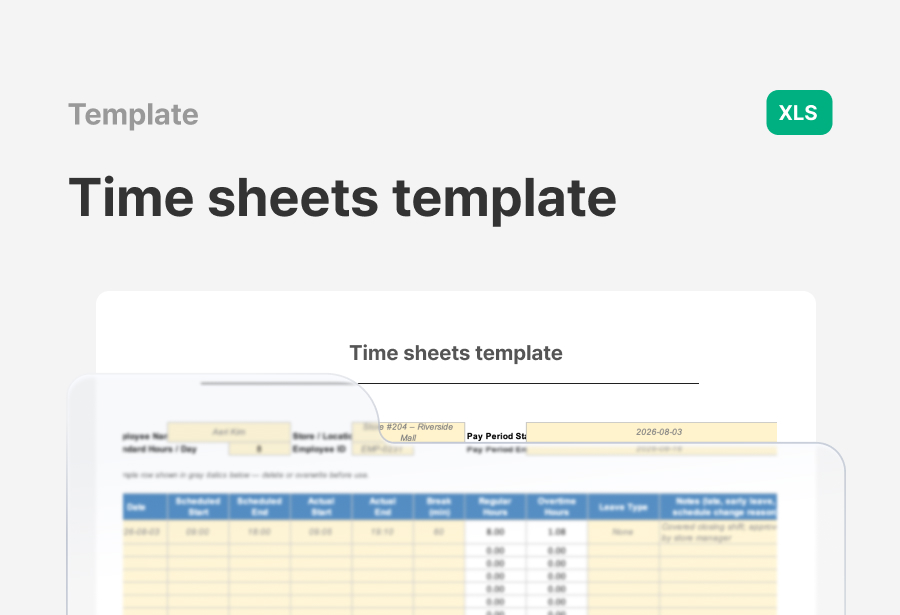
A free Timesheet Template for recording employee hours, overtime, breaks, and attendance details. Standardize your time tracking process and manage working hours more accurately.


A timesheet records when employees worked and how many hours they logged over a given period.
For teams running multiple stores or locations, tracking hours consistently isn't optional — it's operational. Without a standard process, managers spend their time chasing missing records, reconciling unclear hours, and fixing avoidable errors before every payroll run.
A well-structured timesheet helps you:
Stop relying on memory or scattered files. A standardized timesheet gives your team one consistent source of truth.
Every field in a timesheet should serve a purpose: giving managers what they need to verify hours accurately.
Include these fields at minimum:
With these in place, you can assess attendance and hours at a glance — no need to dig through multiple documents.
Total hours only tell part of the story. Cross-reference each timesheet against the scheduled shift to catch late arrivals, early departures, and unplanned overtime. Reviewing the details before payroll runs is one of the simplest ways to prevent errors from slipping through.
If every location manager submits on a different day and saves files in a different place, you'll spend part of every pay cycle just tracking things down. Inconsistent storage is one of the most common reasons pulling up historical records takes far longer than it should.
The fix is simple: set one weekly deadline, one file format, one storage location. Organize timesheets consistently by employee, store, and pay period. A small process change like this can save you significant time when you need to look something up later.
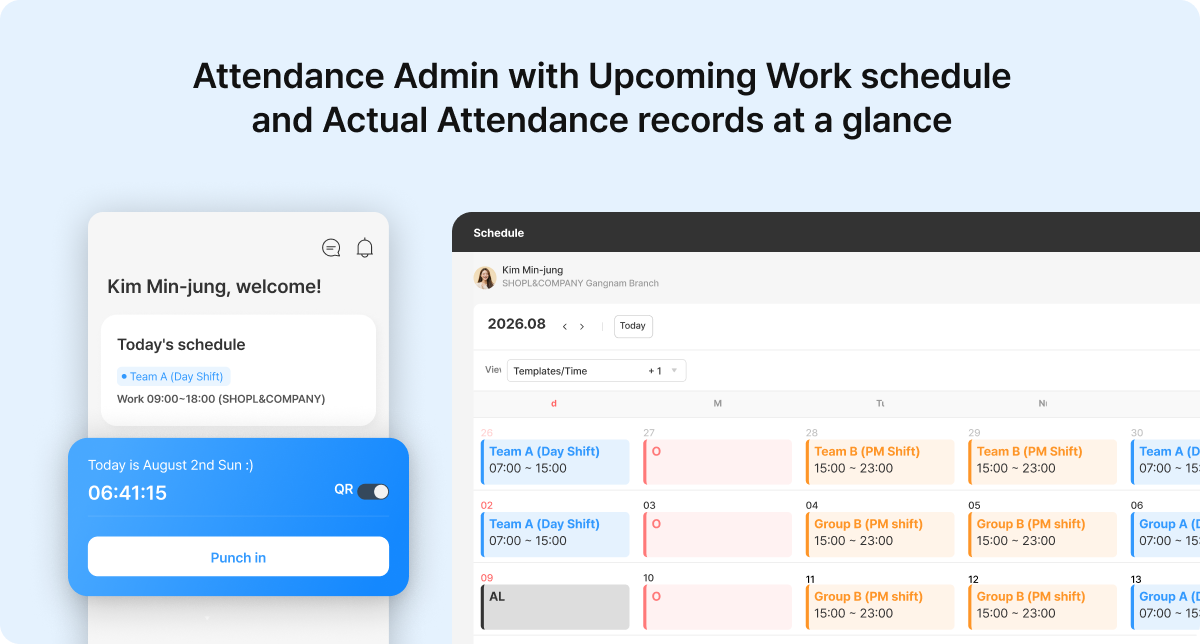
Manually collecting and reviewing work records across multiple files and systems takes time your team doesn't have to spare. Comparing planned schedules against actual hours is one of the most tedious parts of timesheet review — and when errors get through, they become payroll disputes.
Shopl's Schedule and Attendance features put everything in one view. Planned shifts and actual clock-in/out records appear side by side in a calendar layout. You can spot issues like late arrivals or last-minute schedule changes immediately, without switching between screens.
If reconciling schedules and timesheets is taking up too much of your week, Shopl gives you a faster, more consistent way to manage it — fewer errors, less back-and-forth, and more time back for the work that matters.