
샤플 이용료 80% 지원 받기

A meeting minutes template for recording meeting details, attendees, agenda items, decisions, action items, and next steps in one place.


Define the required fields upfront so that nothing gets missed — regardless of who takes the notes.
Rather than transcribing everything that was said, focus on what matters after the meeting is over — decisions, open items, and next steps. Keep decisions and action items in a clearly separate section. When it's obvious what was decided and who owns what, follow-through becomes much easier.
Meeting minutes are not a transcript. The goal is to clearly capture three things: what was discussed, what was decided, and who is responsible for what next. If those three elements aren't easy to find, the minutes aren't doing their job.
Write up and distribute the minutes as soon as the meeting ends. The longer you wait, the more people rely on memory — and the more likely it is that decisions or responsibilities get miscommunicated.
Equally important is consistency. When you define standard fields — meeting title, attendees, agenda, decisions, action items — the record looks the same no matter who writes it. That makes it easier to review outcomes and track follow-ups across your team.
For organizations managing multiple stores or field locations, inconsistent formats create real problems. If each site submits minutes in a different layout, regional managers and HQ staff end up reformatting content before they can use it. A shared template solves this: field teams fill in the same fields every time, and managers review results and follow-up tasks using the same structure.
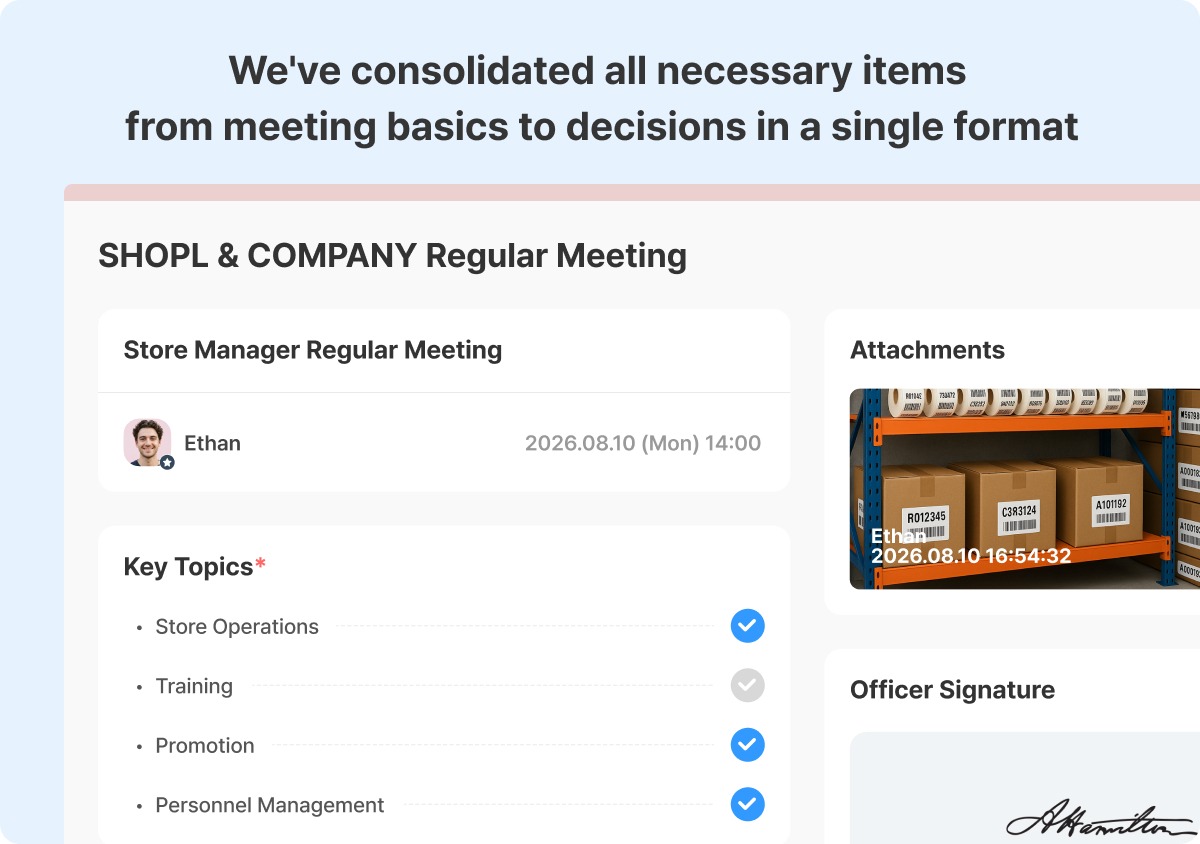
When meetings happen across multiple stores or field sites, asking each team to write up minutes in their own format — and submit them by email or save them locally — makes consolidation a headache. Formats vary, submissions get missed, and pulling everything together takes more time than it should.
Shopl's [Reports] feature lets you build a standardized meeting minutes form that fits your organization, then assign it to the right people to complete and submit in the same format every time. You can set who submits, define the submission window, and monitor completion status — so you always know which locations have submitted and what they've reported.
Instead of chasing down meeting records in different formats, use Shopl Reports to standardize how minutes are written, submitted, and reviewed across every location. Download the template below to get started.












